«Hi. You’ve reached my voicemail. Please leave your name, number, and a damn good reason why this conversation couldn’t be done over text.»
Unknown
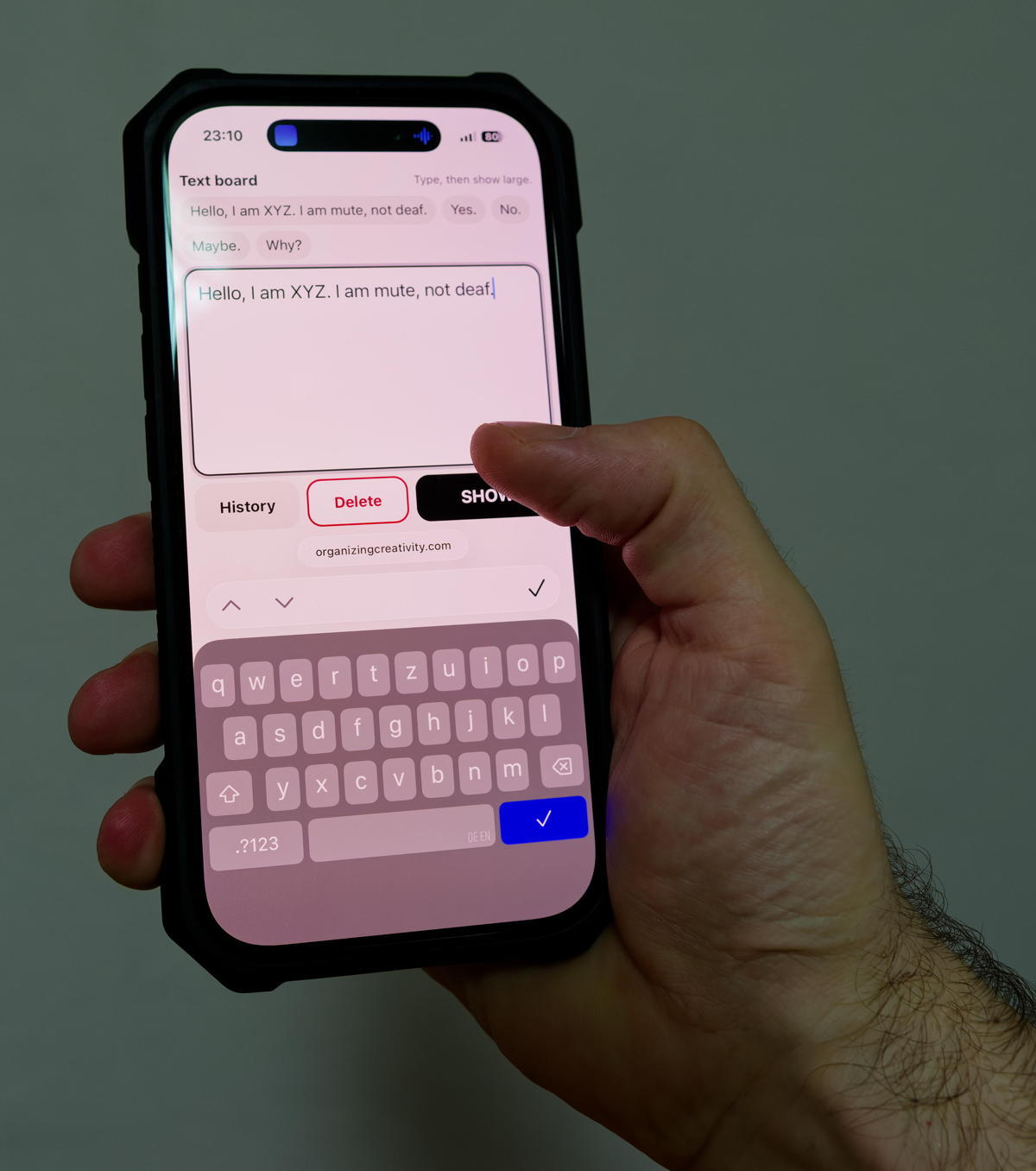
I was exploring a story idea with a mute (aphonic) character and wondered how she would communicate. One possible solution would be to use the smartphone — type the text and then show the text. Perhaps with a few default messages such as «Hello, I am NAME. I am mute, not deaf.», «Yes.», «No.», «Maybe.» or «Why?».
I asked ChatGPT to create a website (html with integrated css) and after a few minutes, the prototype was finished.
Works surprisingly well, even has a 20 last messages history.
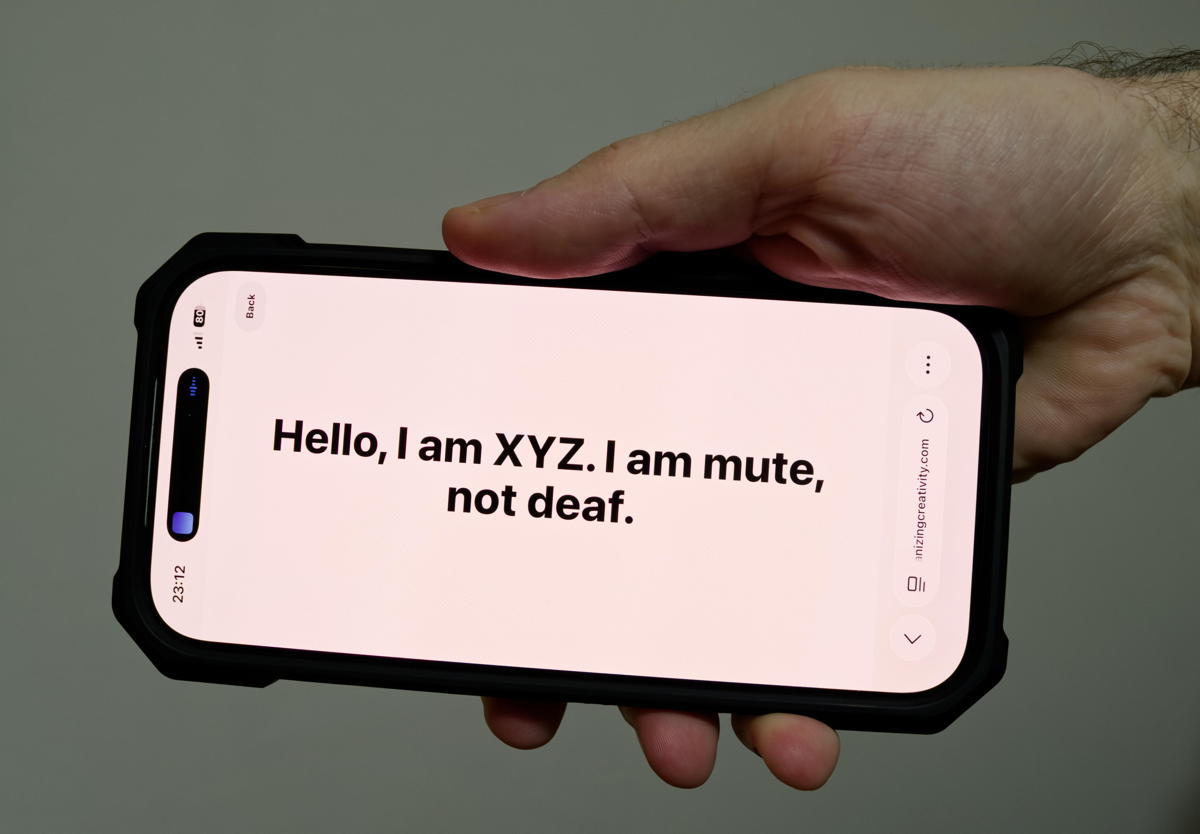
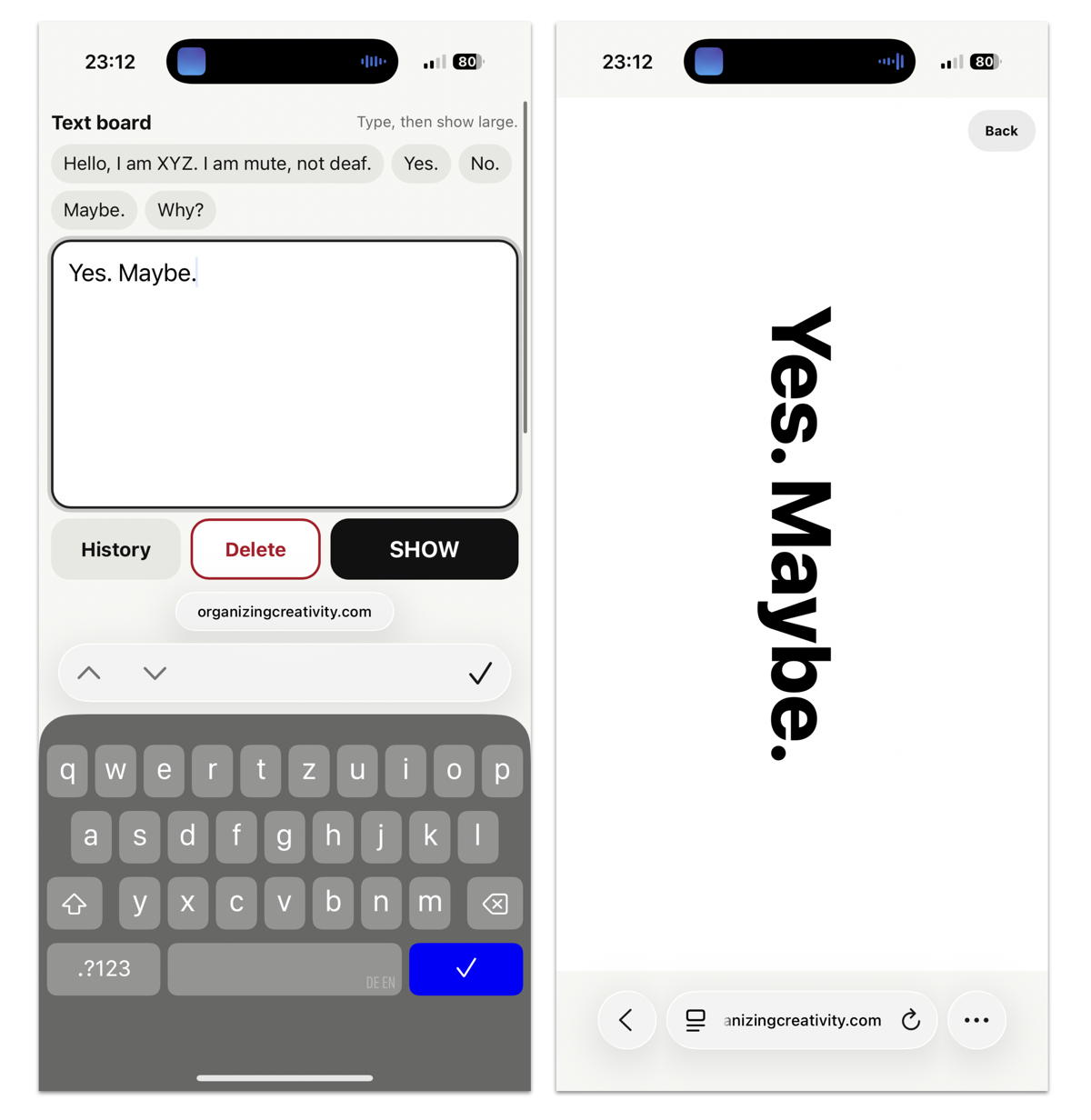
Pressing show puts the text in landscape mode — makes it easy to show after typing.
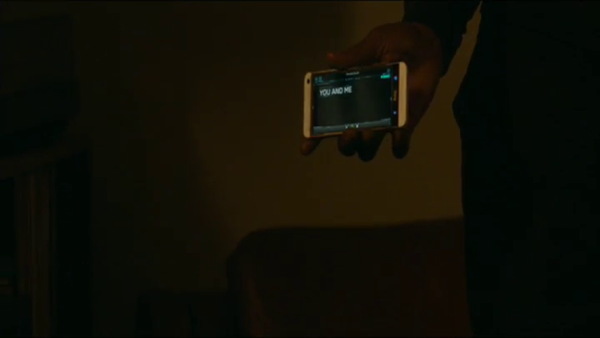
The idea is based a bit on a scene in «Captain America: The Winter Soldier»:
The whole thing might be useful in non-online-communication face-to-face contexts, including loud parties or school classes. Future improvements could include a longer selection of pre-written texts (akin to history, perhaps with subcategories), voice output (perhaps by digitizing one’s voice while it is still available), or returning to the type-view by pressing somewhere on the screen, not the back button (done). And yeah, using a dedicated app (e.g., Vue.js, iOS, etc.) would probably better. But for a prototype — yeah, interesting.
The html is available here: type-show.html. You can simply save the html file to your computer — it should work locally.
Happy Communicating.